When we think of a mobile hotspots, the first things that come to mind are our mobile devices – smartphones or tablets. But did you know that Windows 10 and 11 gaming PCs or laptops have a mobile hotspot feature? You can turn this feature on and allow other devices to connect to your PC’s internet.
Windows 10/11 users can share their Wi-Fi, Ethernet, and cellular data connection with other devices. For example, if you have a laptop with cellular data and share it, it will consume from your plan.
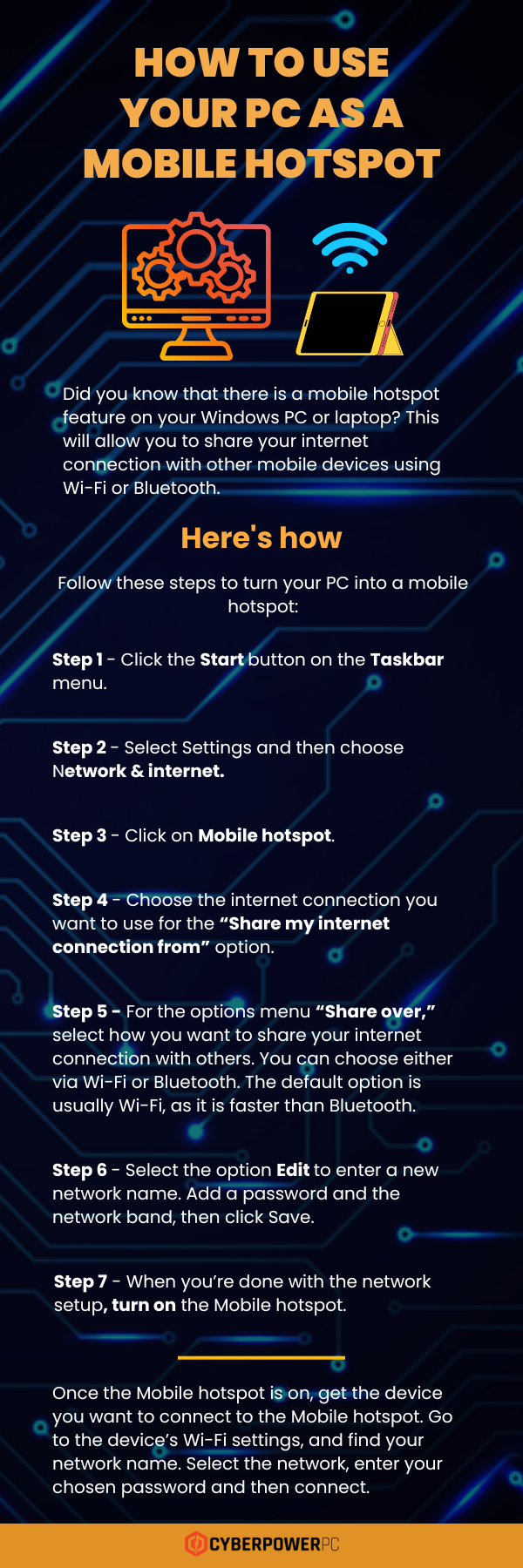
How to Use Your PC as a Mobile Hotspot
Did you know that there is a mobile hotspot feature on your Windows PC or laptop? This will allow you to share your internet connection with other mobile devices using Wi-Fi or Bluetooth.
Follow these steps:
- Step 1 – Click the Start button on the Taskbar menu.
- Step 2 – Select Settings and then choose Network & internet.
- Step 3 – Click on Mobile hotspot.
- Step 4 – Choose the internet connection you want to use for the “Share my internet connection from” option.
- Step 5 – For the options menu “Share over,” select how you want to share your internet connection with others. You can choose either via Wi-Fi or Bluetooth. The default option is usually Wi-Fi, as it is faster than Bluetooth.
- Step 6 – Select the option Edit to enter a new network name. Add a password and the network band, then click Save.
- Step 7 – When you’re done with the network setup, turn on the Mobile hotspot.
Once the Mobile hotspot is on, get the device you want to connect. Go to the device’s Wi-Fi settings, and find your network name. Select the network, enter your chosen password and then connect.