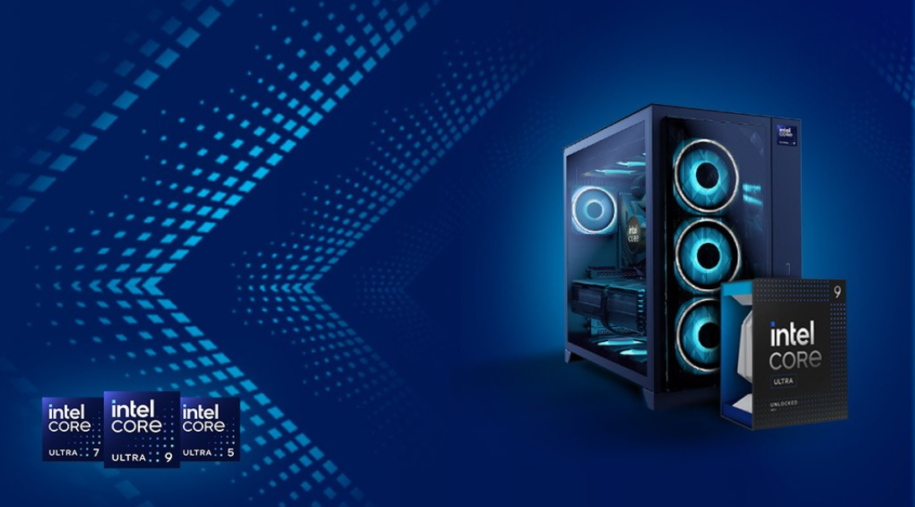
When shopping for a new gaming PC, you have no doubt seen Intel’s Core processors, known for their exceptional performance and efficiency. You might have been overwhelmed trying to understanding the naming conventions of these processors. Trying to make sense of all of these numbers and letters is a tough ask for someone new to the world of gaming PCs. Thankfully it’s pretty easy to get to grips with what these Intel CPU names mean
Knowing how the names works will help you choose the right CPU for your gaming needs. Here’s a breakdown of Intel’s Core processor naming conventions, we’ll go over the older but still great 13th/14th Gen lineup and the latest Core Ultra series, so you can make an informed decision when customizing your gaming PC at CyberPowerPC.
Table of Contents
13th & 14th Gen Intel Core Processor Naming Convention
Intel’s 13th and 14th Gen processors follow a simple systematic naming convention that tells you\ key information about the CPU’s performance and features. The naming convention looks like this: Intel Core iX-YYZZZ, where each segment has a specific meaning:
Processor Family (iX):
- i3: Entry-level option that is good for basic computer use and light gaming. The budget friendly option.
- i5: Mid-range offering, strikes that good balance of performance and cost for most gamers.
- i7: High-performance offering, excellent for more demanding multitasking and modern AAA gaming.
- i9: The high end option, designed for enthusiasts and professionals who need the highest levels of performance for gaming, streaming, and content creation. Fantastic multitasking.
Generation (YY): The generation number, such as ’13’ or ’14’, indicates whether it’s a 13th or 14th Gen processor. These were Intel’s mainstream desktop naming scheme, that is until before the shift to Core Ultra, which features a new naming scheme that Intel will use moving forward.
SKU (ZZZ): A higher number generally indicates a higher performance model within the family. For example, an i7-13700 is less powerful and has fewer cores/threads than an i9-13900.
Suffix Letters:
- K: Unlocked for overclocking.
- KF: Unlocked for overclocking but does not have integrated graphics — not an issue since our systems ship with dedicated graphics cards, but something to keep in mind when building a PC if you are doing so without a dedicated GPU (we hope you aren’t!)
- F: Lacks integrated graphics and not unlocked for overclocking.
- KS: Special edition models that come with boosted clock speeds, designed for enthusiasts pushing overclocking limits to squeeze out ever drop of performance.
Intel Core Ultra Series Naming Convention
In 2024, Intel introduced new branding for their processors, finally long time familiar i3, i5, i7, and i9 tiers. Don’t worry the name change is not too drastic, things are still familiar, check it out:
- Goodbye, “i” . Instead of i7 or i9, you’ll see Core Ultra 5, Core Ultra 7, or Core Ultra 9.
- No longer a “Generation” its a “Series”. Rather than “14th Gen,” Intel calls these chips Core Ultra Series 1 (codenamed Meteor Lake) and Core Ultra Series 2 (codenamed Arrow Lake/Lunar Lake). The first generation of Intel Core Ultra chips is known as Series 1, and the newest generation is called the Series 2, with the first digit continuing to tick upward in future releases.
The naming pattern for Core Ultra desktop chips looks like: Intel Core Ultra X YY5[suffix] — for example, Core Ultra 9 285K.
Choosing the Right Intel Core Processor for Your CyberPowerPC Build
When selecting a processor for your CyberPowerPC gaming rig, consider your needs and budget. In general for the best performance, opt for the latest generation of hardware. For this, look to our lineup of Intel Core Ultra desktops.
- Entry-Level Gaming: An Intel Core i3/i5, or a Core Ultra 3/Core 5 are the best choices for a beginner PC.
- Mid-Range Gaming: A Core i5/i7 or Core Ultra 5/Ultra 7 offers the best balance of price and performance, handling the latest demanding games.
- High-End or Competitive Gaming: A Core i7/i9 or Core Ultra 7/Ultra 9 will provide the highest performance and fastest framerates.
Understanding Intel’s naming conventions, from the classic i3/i5/i7/i9 lineup to the newer Core Ultra and Core Ultra Sbranding — allows you to better navigate the options availabe to you. If there is anything you should take away from this article, it’s the Core Ultra naming scheme, as this will be used for Intel processors going forward.