DDR5-5600. DDR5-6000. These RAM ratings describe data transfer rates in megatransfers per second (MT/s). Faster RAM can help gaming performance, but the benefit depends on the game, processor, memory capacity, and the rest of your PC.
But how much does this speed matter? In this guide we will explain the ins and outs of RAM speed, the impact it has on your gaming sessions, and help you better understand just how RAM performance impacts your PC.
Table of Contents
What is RAM Speed?
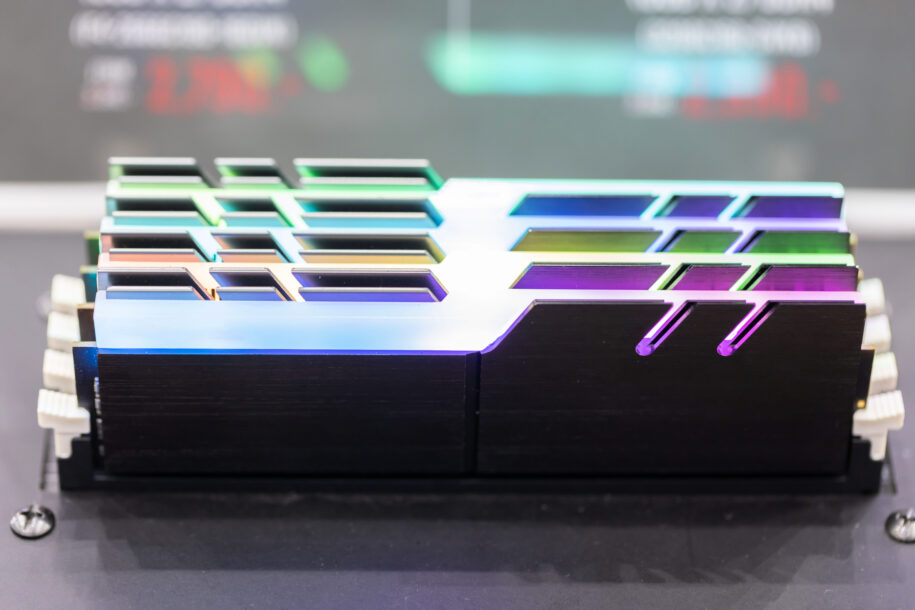
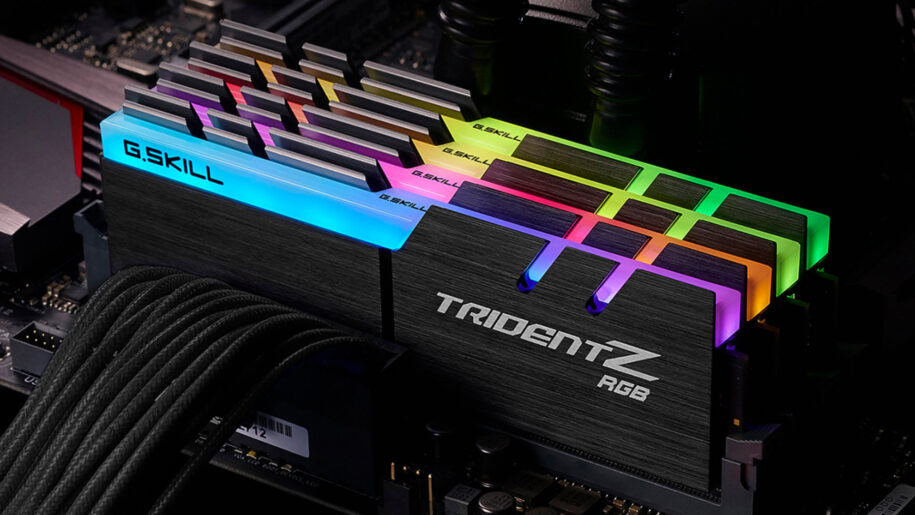
RAM speed usually means its data transfer rate. MT/s measures millions of transfers per second; MHz measures millions of clock cycles per second. DDR memory transfers data twice per clock cycle, so DDR5-6000 runs at 6000 MT/s with a 3000 MHz memory clock.
DDR4 and DDR5 are different memory generations. Your CPU and motherboard determine which type your PC supports; the modules are not interchangeable. When comparing compatible kits, consider more than the headline transfer rate:
- Capacity: How much data the RAM can hold, measured in GB.
- Timings: Delays measured in clock cycles, including CAS latency (CL). Compare timings alongside the transfer rate.
- Latency: The time needed to access data. A lower CL number alone does not guarantee lower latency when comparing different speeds.
- Bandwidth: How much data can move per second. Transfer rate and memory-channel configuration both matter.
For example, DDR5-6000 CL30 and DDR5-6400 CL32 both have a calculated CAS delay of about 10 nanoseconds. That describes one part of memory access, not the complete latency of the PC. Kingston explains how transfer rate and CAS timing work together.
How does RAM speed affect gaming performance?
Faster memory can improve average FPS and frame pacing in some games. Intel notes that the improvement varies by game, so compare benchmarks using the CPU and settings you intend to use.
- CPU-limited games: Memory performance can matter when the processor needs data quickly to prepare frames.
- GPU-limited games: Faster system RAM may make little difference when the graphics card is already the main limit.
- Frame pacing: Check average FPS alongside 1% lows. A higher average does not tell you whether the slowest frames improved.
- Loading and multitasking: Storage speed and having enough RAM also matter. Faster RAM alone cannot guarantee shorter loading screens or eliminate stuttering.
Before buying a faster kit, check your existing configuration. Use the memory slots recommended in your motherboard manual, and compare the installed kit with its supported settings. Our motherboard identification guide can help you locate the right documentation.
Compatible systems may offer Intel XMP or AMD EXPO memory profiles. These apply preset speed, timing, and voltage settings; enabling an overclocking profile is not a guarantee that every CPU, motherboard, and memory combination will run at the advertised rate.
Which Matters More: RAM Speed or RAM Capacity?
First, have enough capacity for your games and the apps you keep open. If Windows is repeatedly moving active data to storage because RAM is full, a faster kit with the same insufficient capacity will not solve that shortage.
- Check the recommended requirements for your games and creative applications.
- Watch memory usage during a normal session that includes your browser, voice chat, and streaming tools.
- Once capacity is sufficient, compare compatible kits by transfer rate, timings, stability, and price.
More RAM is useful when your workload needs it; unused capacity does not automatically add FPS. For help choosing an amount, see our gaming RAM capacity guide.
Frequently Asked Questions About RAM Speed
Do video editing & 3D rendering benefit from faster RAM speed?
It depends on the application and project. Large video timelines and scenes need enough capacity, while export and render speed can also depend on CPU performance, GPU acceleration, codecs, and storage. Check the software developer’s requirements and benchmarks for your workflow before paying more for a faster kit.
When is it time to upgrade my RAM?
Consider a RAM upgrade when you can identify a memory-related limitation:
- Your installed capacity falls below the requirements of the games or applications you use.
- Memory usage stays near capacity during normal work and performance improves when you close other apps.
- Benchmarks for your CPU and games show a worthwhile improvement from a compatible faster kit.
Low FPS on its own does not identify RAM as the problem. Check CPU, GPU, temperature, and storage limitations too. Before installing modules, confirm the memory type and supported capacity in your motherboard or system manual.
Which is better having more RAM or faster RAM?
Choose enough capacity first, then compare speed and timings within your budget. For a workload that needs more than 8 GB, a compatible 32 GB kit can be a better choice than a faster 8 GB kit. If both kits already provide enough capacity, the better choice depends on measured performance, compatibility, and price—not simply the highest advertised speed.
Do CPUs benefit from RAM speed differently?
Yes. Memory controllers, cache sizes, supported configurations, and game workloads differ between CPU models. There is no single rule that every Ryzen processor benefits more than every Intel processor. Check benchmarks for your exact model and your motherboard’s supported-memory list, including the number of modules tested.
Can I overclock my RAM?
Some systems support memory overclocking through Intel XMP, AMD EXPO, or manual settings. A kit’s tested profile does not guarantee stability on every system. Confirm support with your PC or motherboard manufacturer, follow its setup instructions, and check stability after a change. If you encounter crashes or boot problems, return to supported default settings using the manufacturer’s instructions. Operation outside published specifications can affect warranty coverage.
How do I check the RAM speed of my gaming pc?
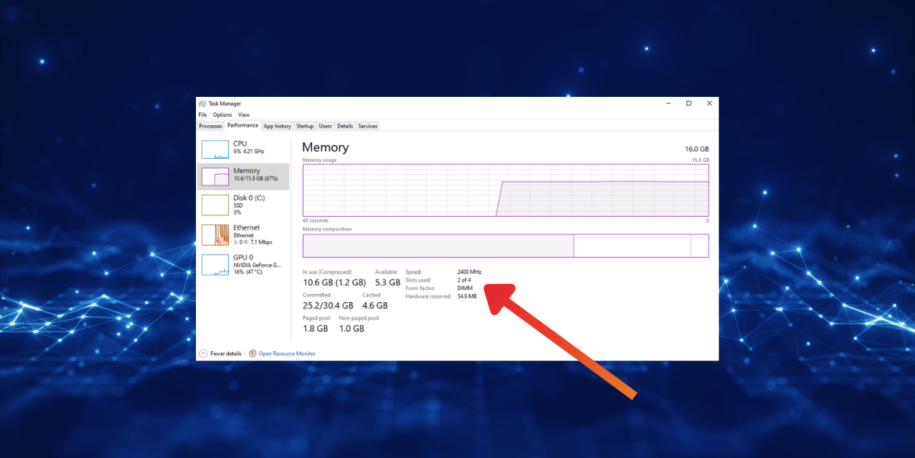
- Open task manager
- Click the “Performance Tab”
- Click on “Memory”
- Look at the “Speed” value for the memory’s current reported operating rate. Unit labels can vary by Windows version; compare them carefully with the kit’s MT/s rating. A tool reporting a 3000 MHz DRAM clock can correspond to DDR5-6000.
Summary
RAM speed can affect gaming, but it is one part of the system. Start with enough capacity, confirm compatibility, and use benchmarks for your CPU and games to decide whether a faster kit is worth the cost.
If your current memory meets your needs, an upgrade may bring little benefit. If you are configuring a new CyberPowerPC gaming desktop, compare the whole system and its supported memory options rather than choosing RAM by one number.